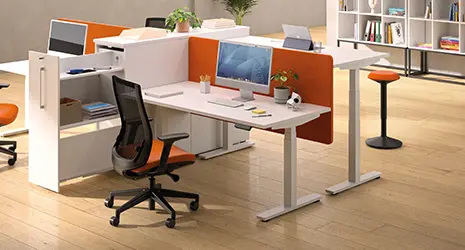
A sit-stand desk should lower to 65-75 cm when seated and raise to 95-125 cm when standing. The correct desk height depends on your height and is easily adjusted: your elbows should form a 90-degree angle, with your forearms resting flat on the desktop. Here you will find the recommended heights, two charts per height, and the criteria for choosing a height-adjustable model suited to your body type.
What size sit-stand desk: the quick answer
A good sit-stand desk covers a range of approximately 65 cm to 125 cm. This range allows most body types to work in a sitting and then standing position without straining the shoulders or back.
Height in seated position: between 65 and 75 cm
When seated, the platform is generally between 65 and 75 cm from the floor. This range corresponds to common heights, from approximately 1.60 m to 1.90 m. A shorter person will aim for the lower part, a taller person for the higher part.
The key point to remember: your forearms should rest horizontally on the desktop, with relaxed shoulders. If you have to raise your shoulders to reach the keyboard, the desk is too high.
Height in standing position: between 95 and 125 cm
When standing, the desktop rises to between 95 and 125 cm. This wide standing desk height is ideal for taller individuals who need a higher desktop to keep their elbows at a 90-degree angle while standing.
A desk that tops out at 115 cm is sufficient for many users, but a person who is 1.90 m tall will need to go higher.
Recommended tray length and depth
The desktop should offer enough space for the screen, keyboard, and your forearms. Here are some size guidelines:
- Depth: 80 cm allows the screen to be moved back to a good distance from the eyes.
- Length: 120 cm for a single workstation, 140 to 180 cm for a dual screen.
- Space under the platform: clear to allow free movement of the legs.
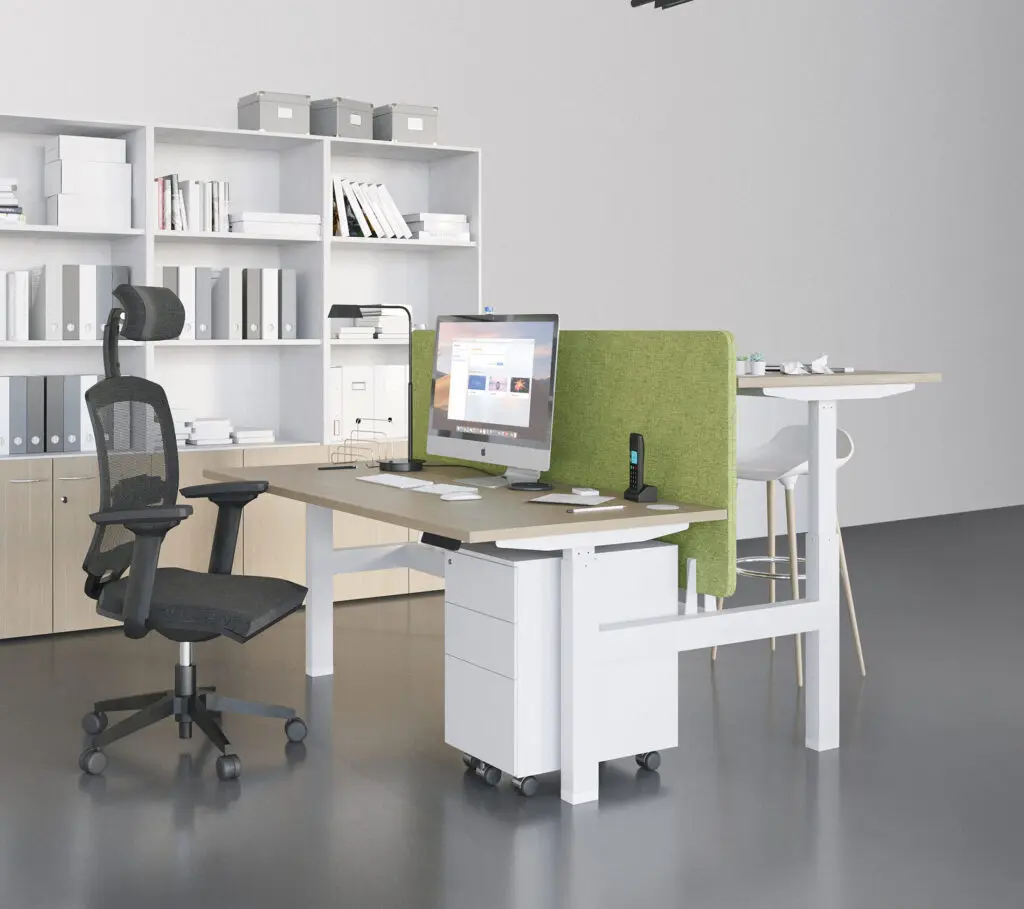
buronomic offers several ranges of electric sit-stand desks, electric such as Envol Evo, Envol One, Nuanza RH or mechanical with crank such as Envol Classic.
How to calculate the ideal height for your sit-stand desk
The ideal desk height is calculated from your elbows, not your height alone. Adjust the desktop so that your forearms remain parallel to the floor.
The 90-degree elbow rule
Position yourself at your desk with your shoulders down. Bend your arms: your elbows should form a right angle and your forearms should rest flat on the tabletop. This is the most reliable guide, whether sitting or standing.
This rule applies in both positions. You first adjust the seated height, then you check the standing height in the same way.
Seat height according to your height (table)
Here are some indicative measurements for the seated position, in cm:
Your height | Desk height (seated)
1.60 m | approx. 65 cm
1.70 m | approx. 68 cm
1.75 m | approx. 70 cm
1.80 m | approx. 72 cm
1.90 m | approx. 75 cm
Then adjust according to your comfort level and the height of your seat.
Standing height according to your height (table)
For the standing position, consider the height. The desk height in cm increases with your height
Your height | Desk height (standing)
1.60 m | approx. 95 cm
1.70 m | approx. 105 cm
1.75 m | approx. 110 cm
1.80 m | approx. 115 cm
1.90 m | approx. 125 cm
These figures are just starting points. Always check the angle of your elbows before memorizing a position.
Why the right desk height changes your comfort at work
An appropriately adjusted work surface reduces muscle strain and allows you to work for several hours without pain. A poorly adjusted work surface will take its toll at the end of the day, causing neck, shoulder, or lower back pain.
The link between posture, musculoskeletal disorders and desk height
A desk that's too high forces you to shrug your shoulders. Too low, you lean forward and round your back. These repetitive postures promote musculoskeletal disorders, or MSDs, which are work-related muscle and joint pains.
Alternating between sitting and standing breaks up static posture. You engage different muscles, boost circulation, and reduce tension points.
INRS ergonomic guidelines
The INRS, the French National Institute for Research and Safety, recommends a workstation where the user keeps their back straight, forearms horizontal, and eyes slightly downwards towards the screen. These ergonomic principles apply directly to the adjustment of a sit-stand desk.
The idea is not to stand all day. You alternate between sitting and standing to avoid locking your body into a single posture.
Adjust the height of the screen and accessories
Adjusting the desktop is not enough: the screen and accessories must follow. A workstation is adjusted as a whole.
Position of the screen in relation to the eyes
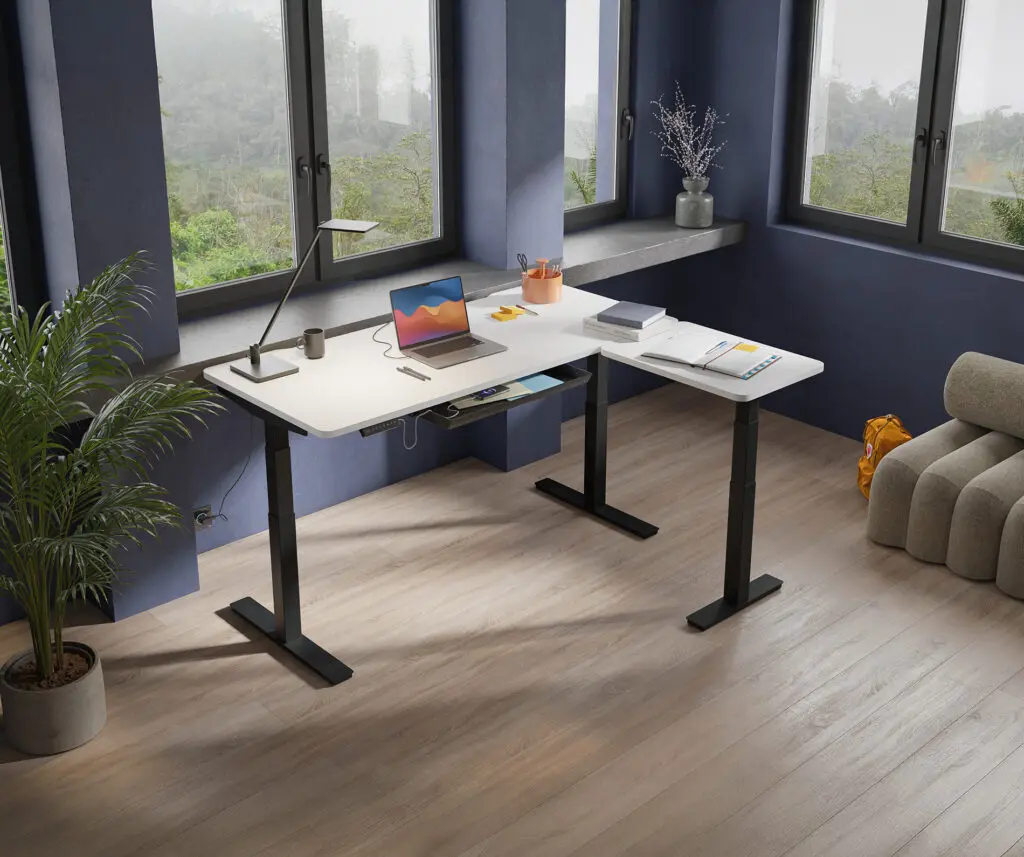
The top of the screen should be at eye level, or even slightly below. Look down slightly, without tilting your head. The ideal distance is approximately the length of an outstretched arm.
A screen that's too low forces you to bend your neck. A riser or an articulated arm easily corrects this problem, whether you're sitting or standing.
Keyboard, mouse and footrest support
Keyboard and mouse should be placed flat, at elbow height. Keep your wrists straight, without bending. Some useful accessories:
- A keyboard tray if the desktop is a little high when seated.
- A footrest for shorter people whose feet do not reach the ground well.
- A mouse pad with a wrist rest to relieve forearm strain.
These adjustments complement the desk height and refine your daily comfort.
What tabletop dimensions should you choose based on your workspace?
The dimensions of the desktop depend on your workspace and equipment. A compact workstation and a dual-monitor setup do not require the same length.
Small space or shared office
In a small workspace or shared office, aim for a desktop that is 120 cm long by 80 cm deep. This leaves room for a monitor, keyboard, and documents without cluttering the space.
Models with cable management and grommets, found in several Buronomic ranges, keep the work surface clear. Useful when several people take turns at the same workstation.
Dual-screen workstation
For two screens, allow at least 140 to 180 cm in length. The two screens will fit side by side at a good distance from your eyes, and you'll still have space on the sides.
The available surface area also comfortably accommodates a keyboard, mouse, documents, and everyday accessories. This provides you with an organized and uncluttered workspace, promoting comfort and efficiency throughout the day.
Choosing the right height-adjustable desk
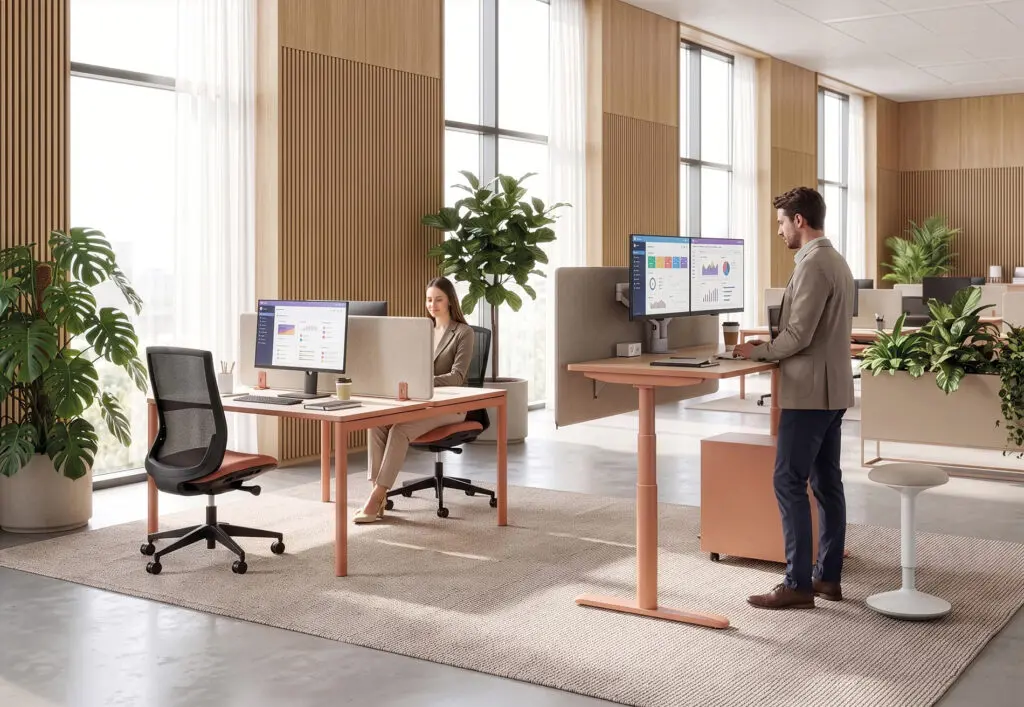
A good height-adjustable desk combines sufficient range, stability, and easy adjustment. The choice between electric and manual depends on how often you switch between sitting and standing.
Electric or manual sit-stand desk
The electric model adjusts with the push of a button. Convenient if you alternate between sitting and standing several times a day, it often remembers your preferred heights. The manual, crank-operated model is less expensive but requires effort to adjust the desk height each time you change positions.
If you really plan to alternate positions, electric remains the most comfortable in the long term.
Adjustment range and stability to be checked
Check three points before buying:
- The range: the platform must cover your sitting and standing height according to your height.
- Stability: in the raised position, the desk should not vibrate or shake when you type.
- The permissible load: it must support screens, station and accessories.
Buronomic sit-stand desks like Alto and Envol Evo support loads up to 120 kg and 150 kg for desks with return.
Buronomic sit-stand desks made in France
buronomic has been manufacturing its desks in France, in Honfleur, since 1981. Recent collections, such as Nuanza with its coloured base, include height-adjustable workstations designed for alternating between sitting and standing positions.
According to the manufacturer, the resistance of most of the collections is NF OEC certified. An integrated design office and a 3D configurator help you size your workstation according to your space and body type.
FAQ about sit-stand desk size
What is the ideal desk height for a tall person sitting or standing?
For a person 1.90 m tall, allow approximately 75 cm of space when seated and up to 125 cm when standing. Our Envol Evo and Alto desk models even extend up to 128 cm. Check the angle of your elbows when standing.
What is the ideal sit-stand desk height for a short person?
For a person 1.60 m tall, aim for approximately 65 cm when seated and 95 cm when standing. Ensure the tabletop extends low enough and add a footrest if your feet cannot comfortably reach the floor while seated.
How long should you stand for each day?
The benefit of a sit-stand desk lies in the alternation, not in remaining standing continuously. Change positions regularly throughout the day, in short bursts. This stimulates circulation and prevents your body from becoming rigid in a single, prolonged posture.
Is 128 cm sufficient when standing?
Yes, 128 cm covers almost all sizes, including taller individuals. A maximum height of around 125 cm is already suitable for someone 1.90 m tall. Just make sure the reach extends low enough for your sitting position.